Quick Start
Get from API key to your first extraction response.
Create API Key
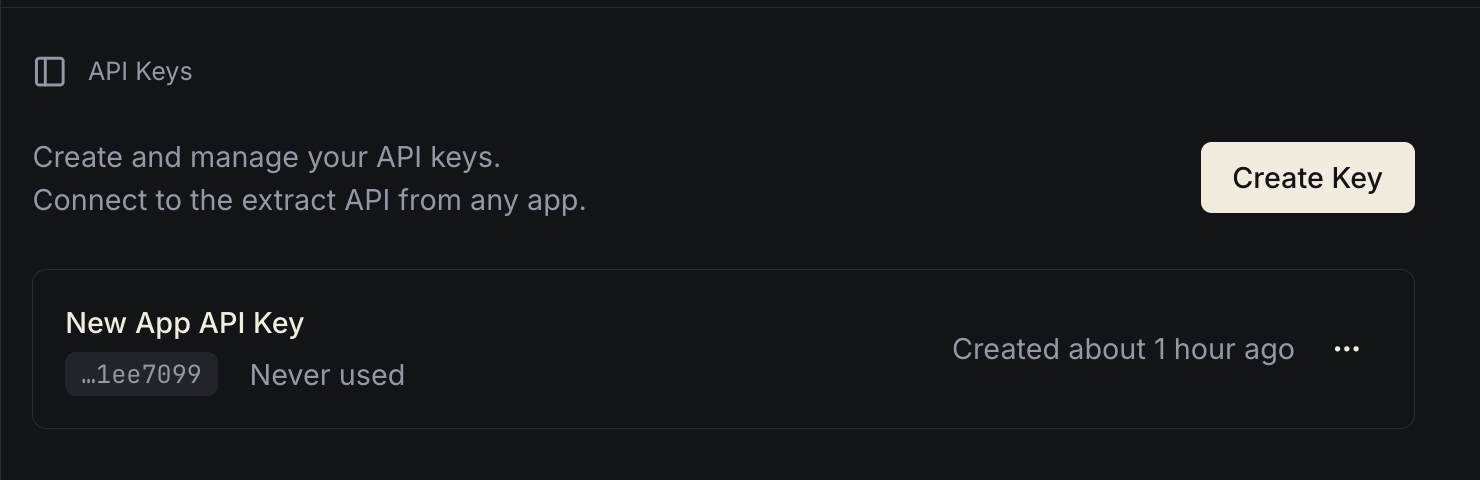
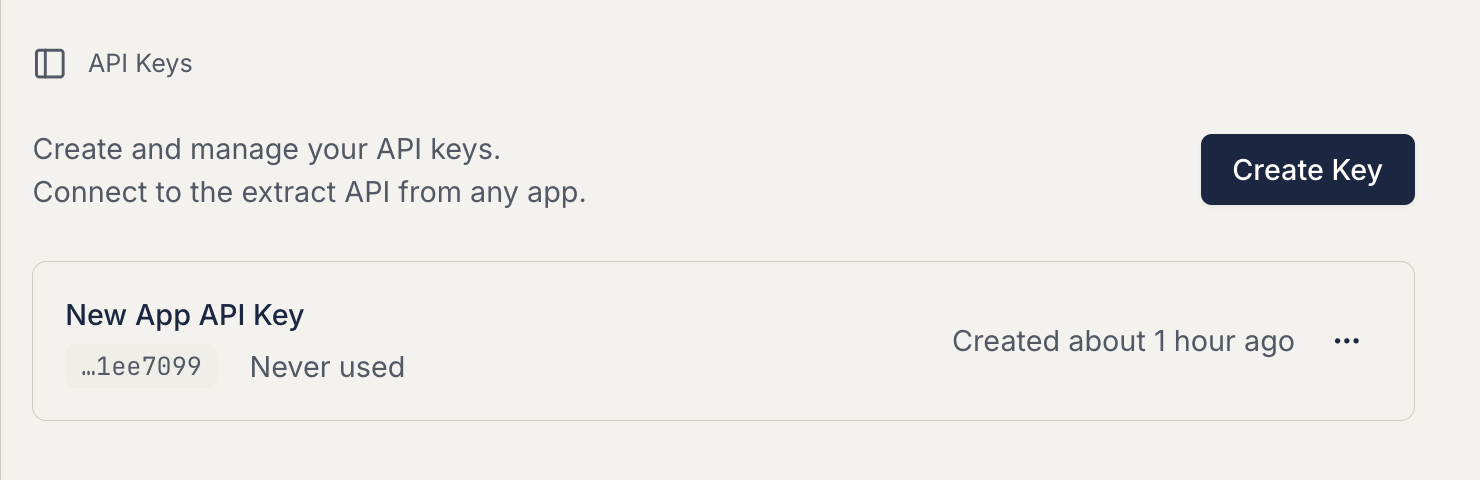
Sign in to the Developer Portal and open the API Keys area in your dashboard. Create a new API key, copy it somewhere secure, and keep it out of client-side code.
The screenshot below automatically matches your current theme:
Integrate into Your App
Send a document with multipart/form-data, include your API key in the Authorization header, and provide either an inline schema or a saved schema_id.
import { openAsBlob } from 'node:fs';

const file = await openAsBlob('./receipt.pdf');

const formData = new FormData();
formData.append('file', file, 'receipt.pdf');
formData.append(
  'schema',
  JSON.stringify({
    type: 'object',
    properties: {
      guest_count: { type: 'number' },
      tax: { type: 'number' },
      total: { type: 'number' },
      tip: { type: 'number' },
      subtotal: { type: 'number' },
    },
  }),
);

const response = await fetch('https://api.structpdf.com/v1/extract', {
  method: 'POST',
  headers: {
    Authorization: `Bearer ${process.env.STRUCTPDF_API_KEY}`,
  },
  body: formData,
});

const result = await response.json();

console.log(JSON.stringify(result, null, 2));
Try in OpenAPI Playground
Example Response
{
  "generationId": "ae25e72f-d811-40db-9d33-5923dff25487",
  "success": "Complete",
  "result": {
    "guest_count": 4,
    "tax": 17.74,
    "total": 239.78,
    "tip": 40.04,
    "subtotal": 182
  },
  "metadata": {
    "findings": [
      {
        "schema_key": "guest_count",
        "value": 4,
        "page": 1,
        "document_snippet": "Guest Count: 4"
      },
      {
        "schema_key": "tax",
        "value": 17.74,
        "page": 1,
        "document_snippet": "Tax .. $17.74"
      },
      {
        "schema_key": "total",
        "value": 239.78,
        "page": 1,
        "document_snippet": "Total .. $239.78"
      },
      {
        "schema_key": "tip",
        "value": 40.04,
        "page": 1,
        "document_snippet": "Tip .. $40.04"
      },
      {
        "schema_key": "subtotal",
        "value": 182,
        "page": 1,
        "document_snippet": "Subtotal .. $182.00"
      }
    ],
    "errors": []
  }
}
For interactive testing, more code examples, and the full request contract, use the API Reference.
Next
API Overview
Review the request and response shape.